TLDR
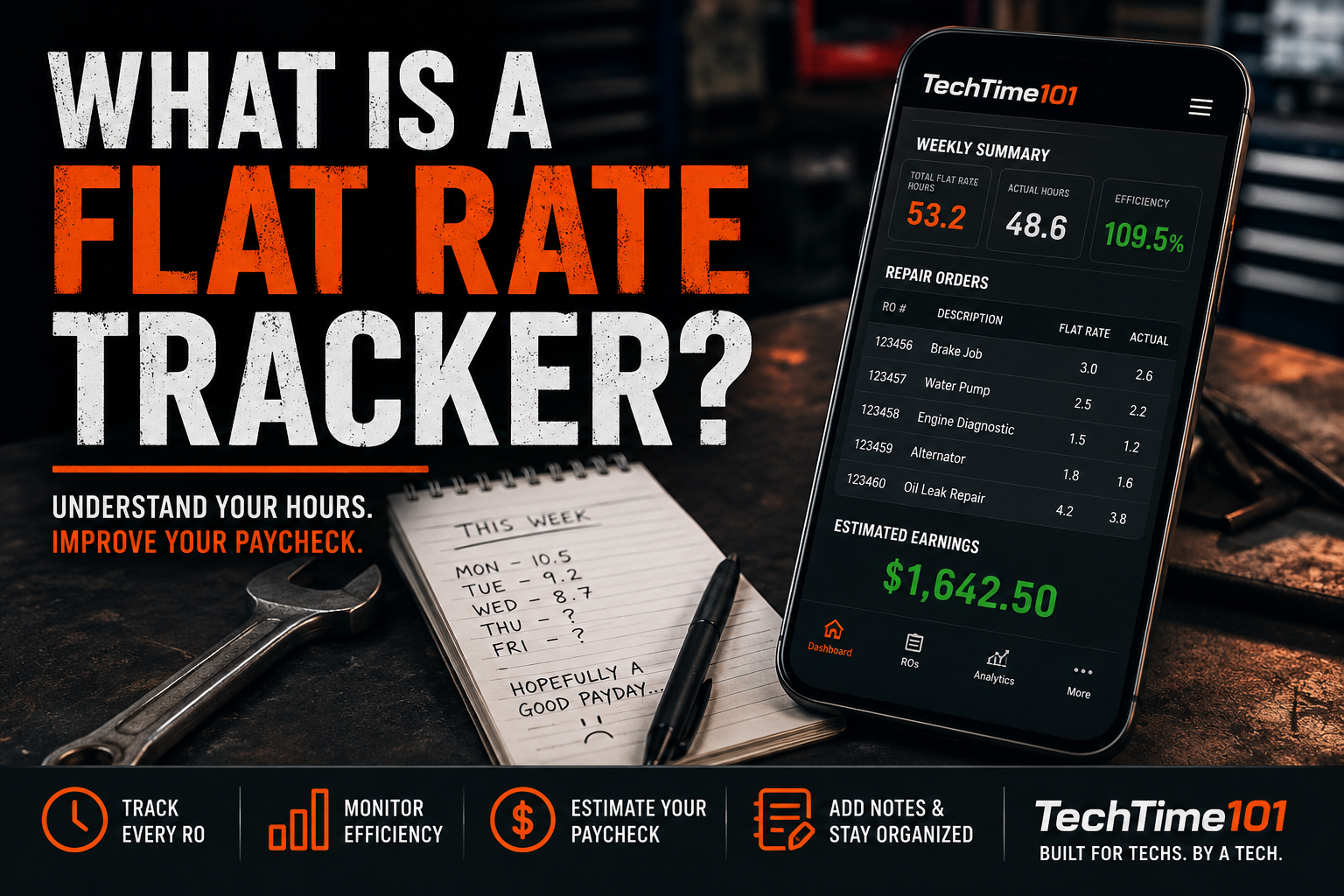
- A flat rate tracker helps technicians monitor repair orders, flagged hours, and efficiency.
- Tracking your own productivity gives you a much clearer picture of your performance than relying on memory.
- Most dealership software is designed for payroll and shop management, not personal performance.
- Knowing your numbers can help you improve your paycheck over time.
- TechTime101 was built specifically to make tracking your hours simple and free.
What Is a Flat Rate Tracker?
A flat rate tracker is a tool that allows automotive technicians to keep track of their repair orders, flagged hours, actual hours worked, and overall productivity. Instead of trying to remember how your week went, a flat rate tracker gives you a complete history of your performance. Over time, this information becomes incredibly valuable.
Why Every Technician Should Track Their Hours
Ask ten technicians how they track their hours and you'll probably get ten different answers. Some write everything on a notepad. Some use the notes app on their phone. Some build Excel spreadsheets. Many don't track anything at all. The problem is that after a few days, it's almost impossible to accurately remember every repair order and every flagged hour.
Why Dealership Software Isn't Enough
Most dealership software is designed to manage the business. It handles payroll, dispatching, accounting, and repair orders. While that's important, it usually isn't designed to help technicians understand their own performance. A personal flat rate tracker allows you to answer questions like:
- How many hours am I flagging every week?
- Which jobs consistently make me money?
- Which repairs slow me down?
- Am I becoming more efficient over time?
- How close am I to my income goals?
Stop Guessing Your Paycheck
Many technicians finish the week with only a rough idea of what they'll be paid. Tracking your repair orders throughout the week gives you a much better understanding of your expected earnings before payday. It also helps identify trends that may be costing you hours.
Paper Works... Until It Doesn't
There's nothing wrong with writing your hours down. Many experienced technicians have done it for years. The problem is that paper doesn't organize your history, calculate efficiency, estimate earnings, or help you analyze long-term performance. A digital tracker makes that information available whenever you need it.
What Should a Good Flat Rate Tracker Include?
If you're looking for a flat rate tracker, it should make your life easier, not more complicated. Look for features like:
- Repair order tracking
- Flat rate and actual hour logging
- Efficiency analytics
- Estimated paycheck tracking
- Repair order notes
- Long-term performance history
Why We Built TechTime101
After years of working as dealership technicians, we wanted a simple way to understand our own productivity without relying on memory or scattered notes. That's why we built TechTime101. The goal wasn't to replace dealership software. It was to give technicians their own tool to better understand their performance, improve efficiency, and keep track of their flagged hours. Best of all, it's completely free to use.
Final Thoughts
The best technicians don't just work hard. They understand their numbers. Whether you're trying to increase your efficiency, estimate your paycheck more accurately, or simply keep better records, tracking your hours is one of the smartest habits you can develop. If you're looking for a simple flat rate tracker built specifically for automotive technicians, give TechTime101 a try.